PDF to Brainrot Videos with AI
PDF2Brainrot uses AI to turn your PDFs into creative brainrot videos, allowing you to customize voices, music, and video backgrounds to make your content more engaging and shareable.
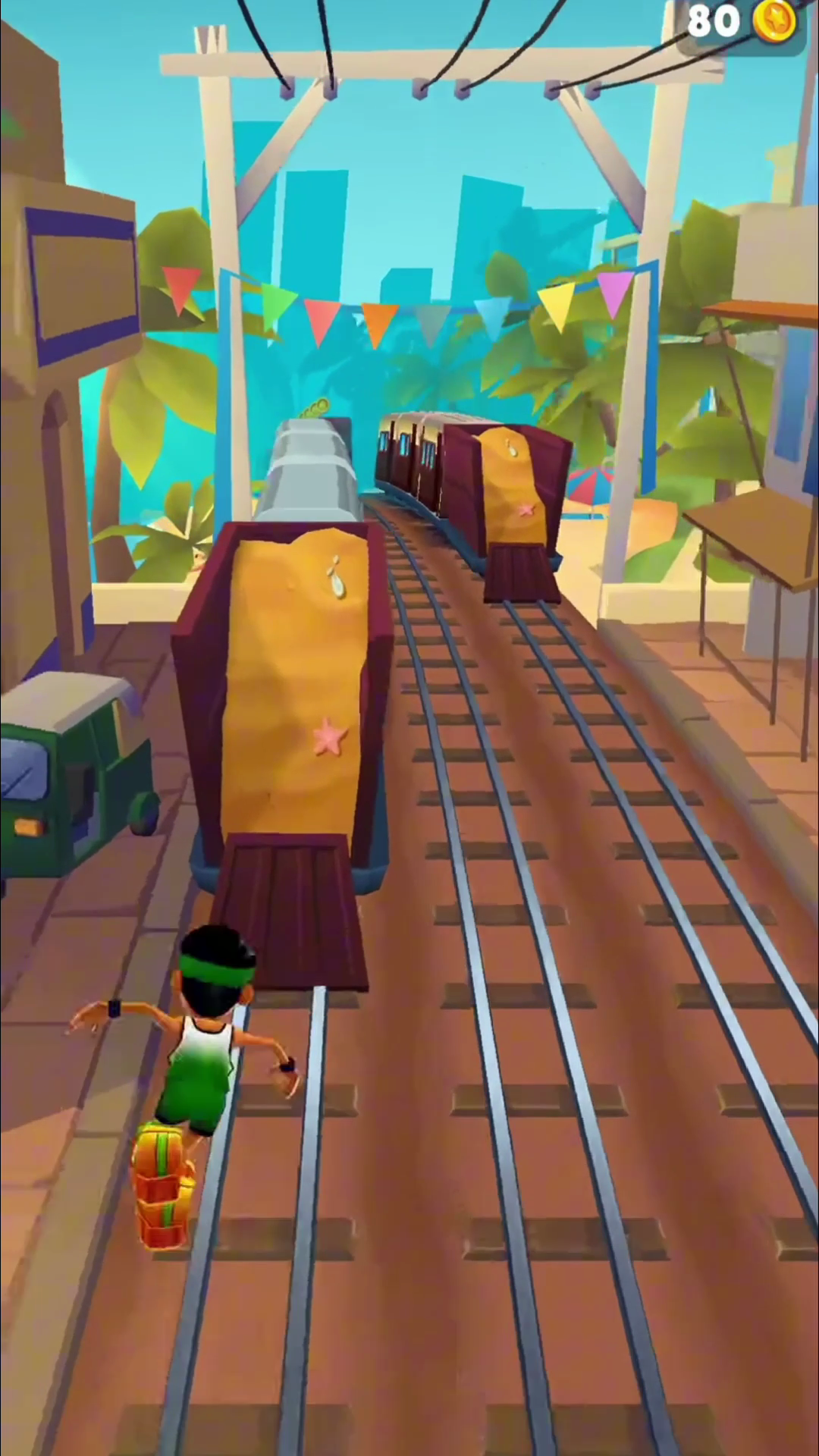
Subway Scene 1
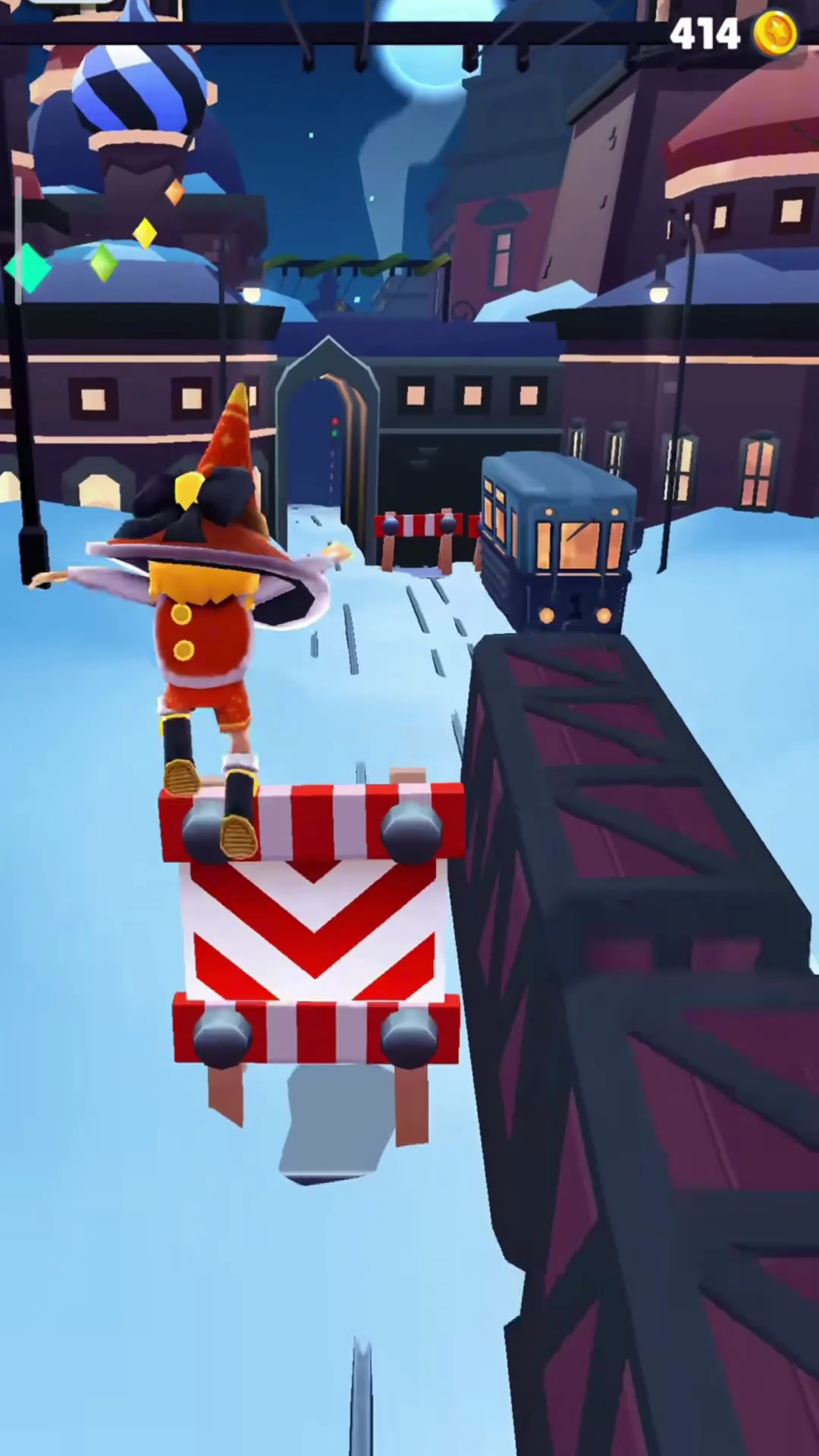
Subway Scene 2
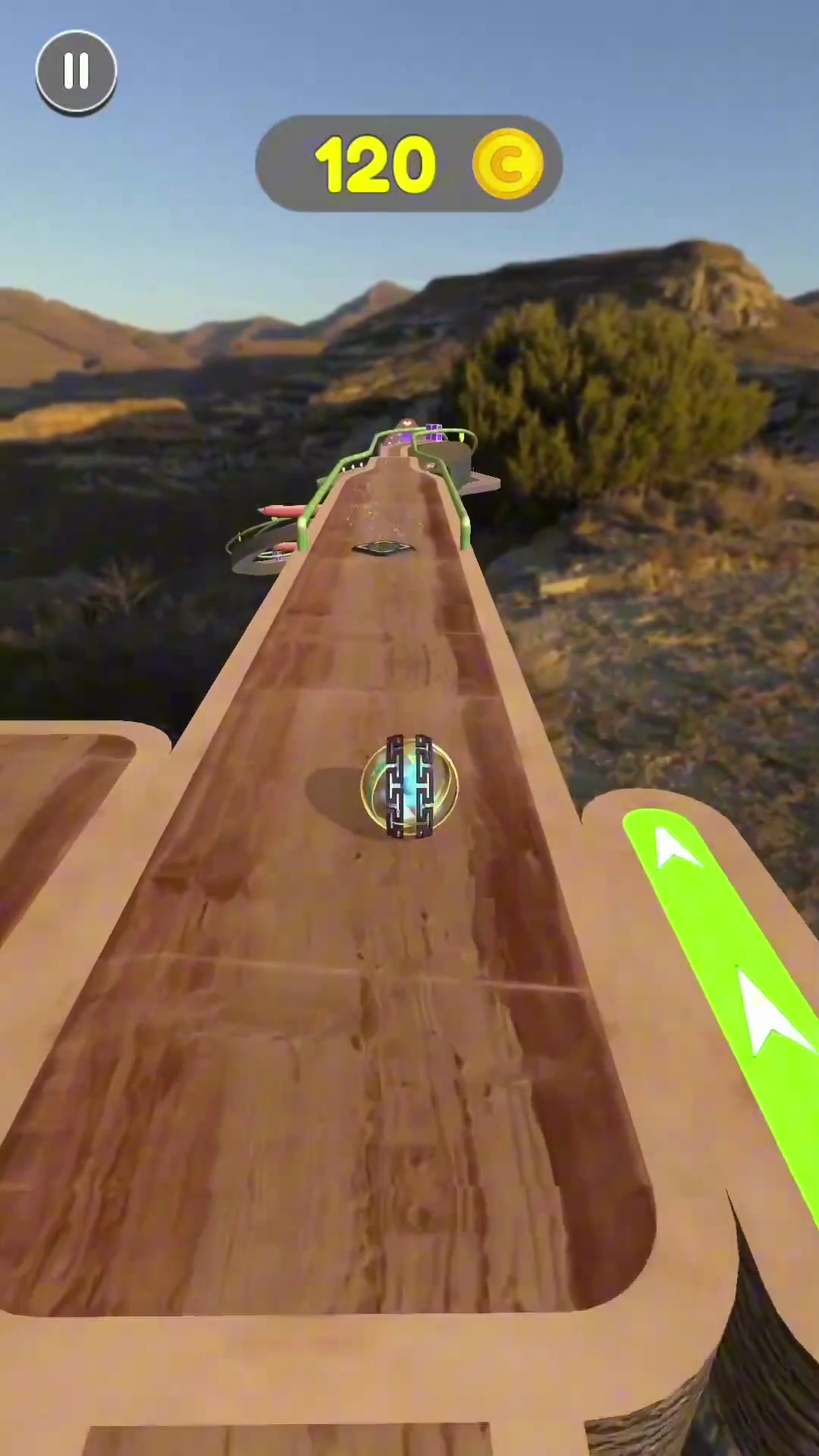
Slope Run 1
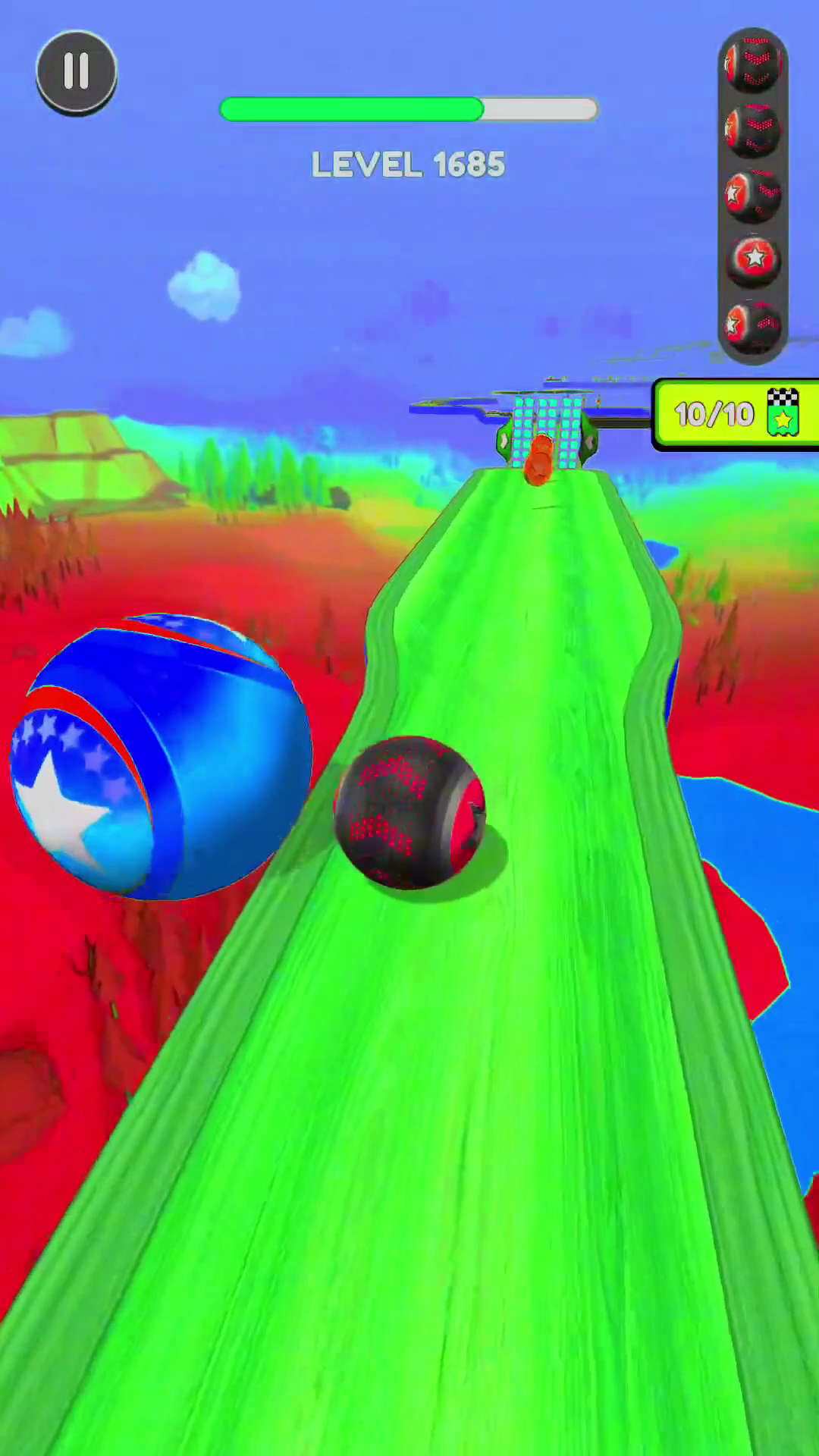
Slope Run 2
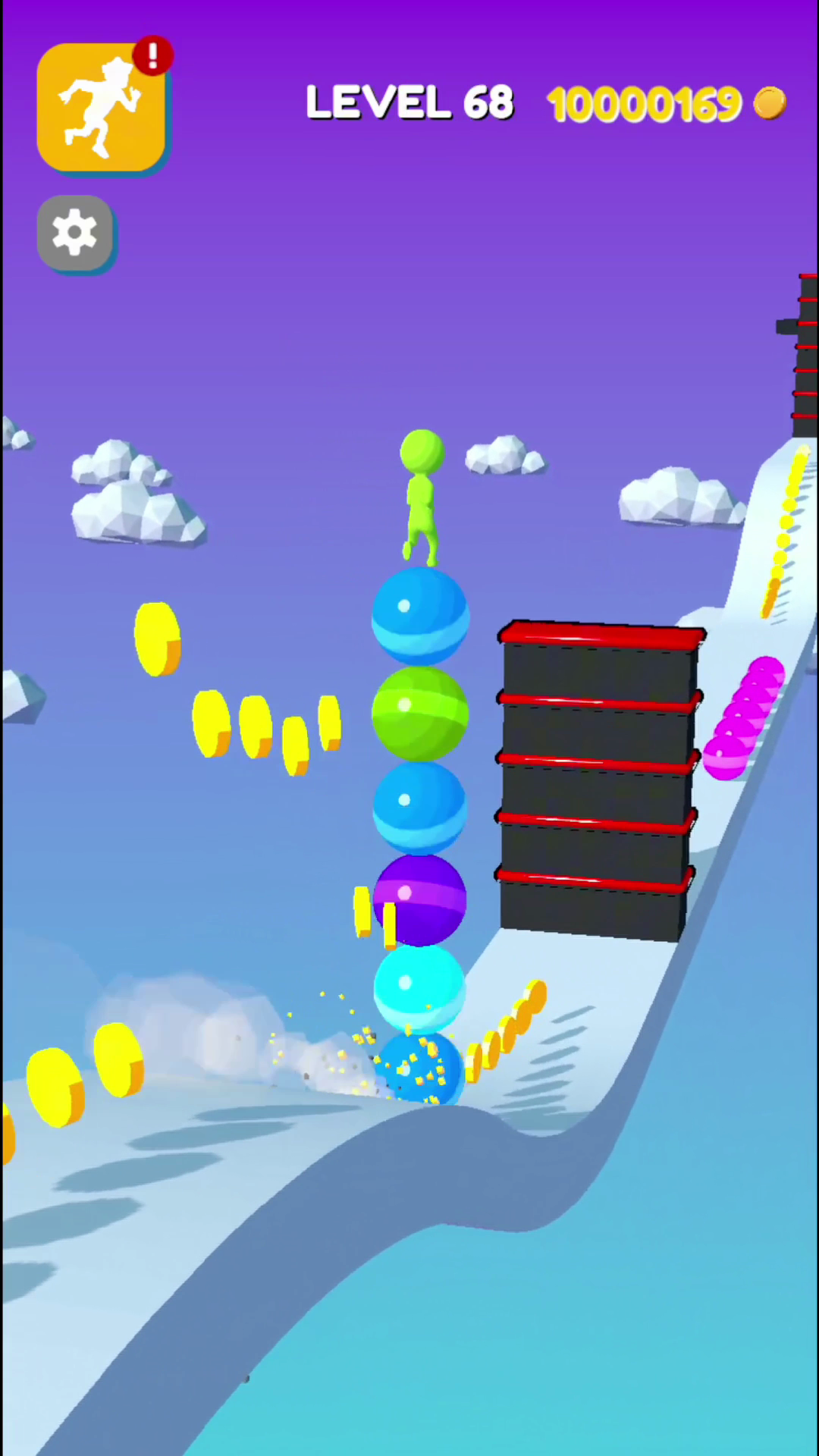
Stack Rider 2
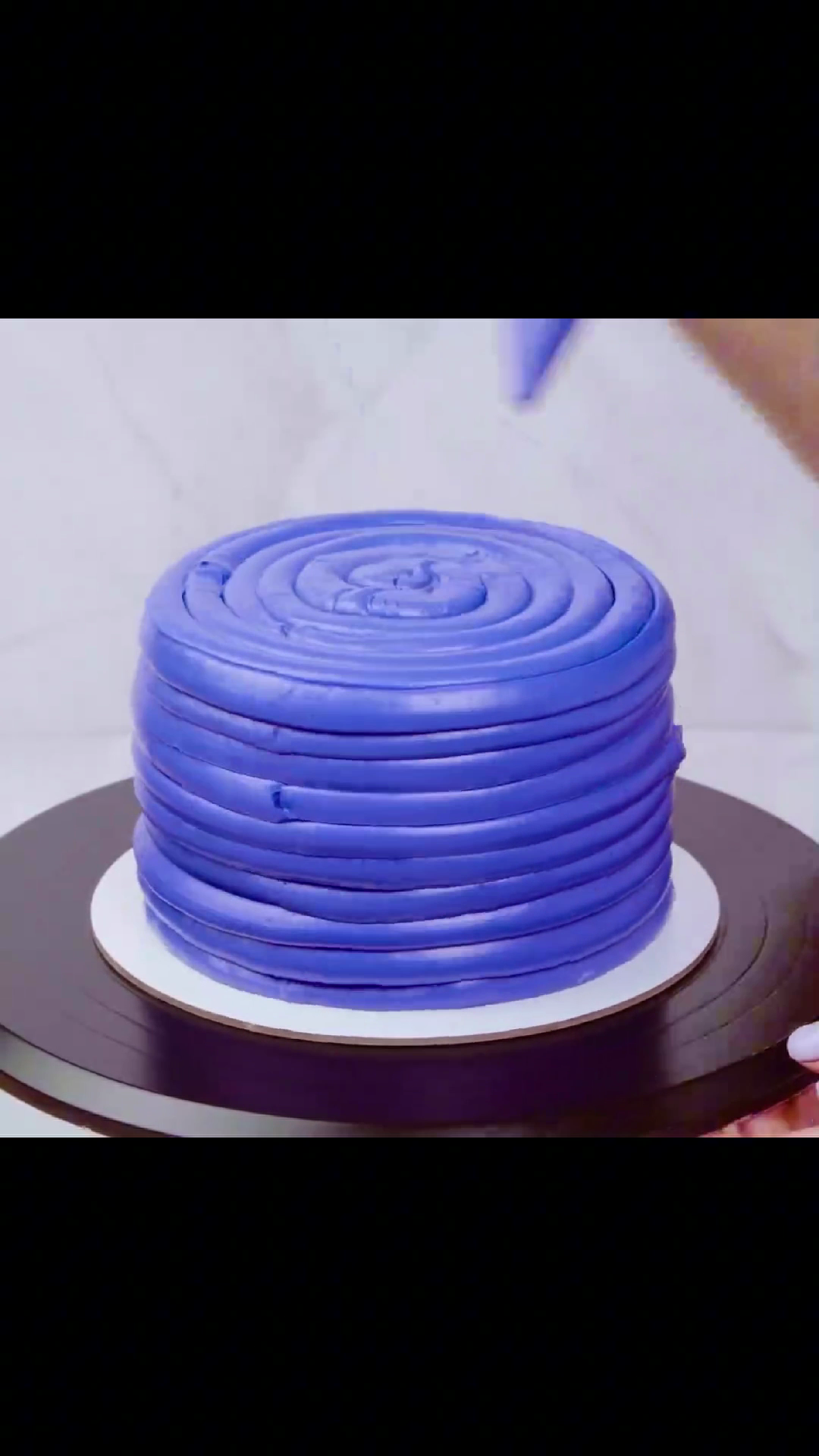
Cake Making 2
How You Can Use PDF to Brainrot
Whether you're studying, creating content, or just having fun, PDF to Brainrot lets you bring your PDFs to life in unique and engaging ways.
Make Studying Fun
Upload your study PDFs and generate a brainrot video with a voiceover and background music. It's the easiest way to make studying more engaging!
Creative for Social Media
Generate funny, quirky brainrot videos from PDFs. Perfect for creating engaging TikTok videos or Reddit posts that catch people's attention!
Add Fun to Boring Documents
Take any dull PDF and create an entertaining brainrot video. Customize voices, music, and backgrounds to bring your text to life!
Customize Your Learning Material
Students can use PDF to Brainrot to create fun, personalized study material. Turn your boring textbooks into enjoyable video content with just a few clicks!
How to Turn PDFs into Brainrot Video
It's easy to turn your PDFs into fun and engaging videos with just a few steps. Here's how you can get started:
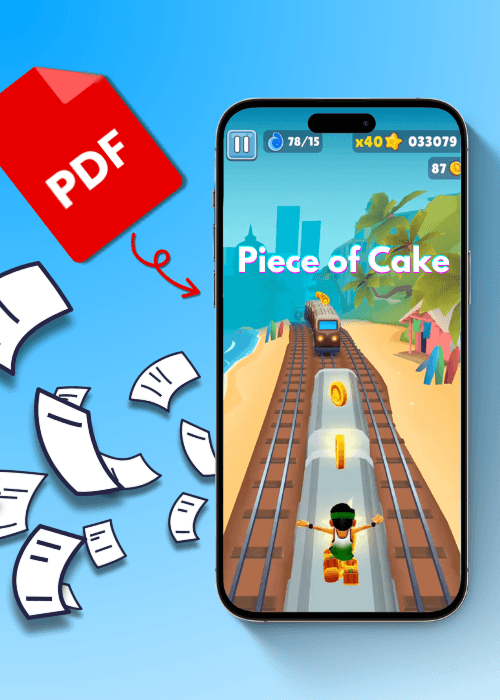
Step 1: Upload Your PDF
Click the upload button and choose the PDF file you want to convert. The tool will quickly scan your document and get ready to transform it into brainrot content.
Step 2: Select Your Voice, Music, and Video Background
Customize your brainrot video by selecting a voice, background music, and video. Pick what fits your mood, whether it's fun, relaxing, or quirky!
Step 3: Generate & Share
Click the "Generate Brainrot" button to let the AI work its magic. In just a few moments, your PDF will be turned into a fun, engaging brainrot video ready for sharing or enjoying!
Product Features & Highlights
PDF2Brainrot is packed with features designed to make transforming your PDFs into fun, engaging brainrot videos as easy and customizable as possible.
AI-Powered PDF Conversion
PDF2Brainrot uses advanced AI to analyze and convert your PDFs into engaging video content. It reads your document, understands the text, and turns it into a dynamic video that's fun to watch. Whether it's study notes or a long article, our AI makes your PDF come alive!

Customizable Voice Options
You can choose from a variety of AI-generated voices to narrate your brainrot video. Select the tone, accent, and style that fits your content. Whether you want a professional tone for a study guide or a quirky voice for fun content, you can make your video sound exactly the way you want.

Creative Background Music & Videos
Add the perfect vibe to your brainrot videos with our wide range of background music and video options. From upbeat tracks for social media to calm and relaxing tunes for study content, the background music helps enhance the mood. You can also choose a video background to make your content visually engaging.

Fast and Free Processing
With PDF2Brainrot, there's no need to wait for long processing times. Upload your PDF, select your preferences, and generate your video in just a few moments—all for free. There are no hidden fees, and you can create as many brainrot videos as you want without any limitations.

What Users Are Saying About PDF2Brainrot
Jake Williams
I turned a boring PDF about science into a hilarious brainrot video for my TikTok. The background music and video options were spot on! It's perfect for social media.
Jake Williams
Sarah Lee
I used PDF to Brainrot for my study notes, and it made them so much more fun! The voices and music make it feel like I'm learning through a video game. I'll definitely use it again!
Sarah Lee
Emily Thompson
As a student, this tool is awesome! It helped me turn a boring textbook chapter into an engaging video. The AI-generated voice was clear, and the music made it so much better.
Emily Thompson
Frequently Asked Questions
PDF to Brainrot is an online tool that converts your PDFs into AI-generated brainrot videos. You can customize voices, music, and video backgrounds to create fun and engaging content.
Simply click the 'Upload PDF' button on the homepage, select your file, and the tool will prepare it for transformation into a brainrot video.
You can upload any PDF file. Just make sure it's properly formatted for the best results.
After uploading your PDF, you'll be able to select background music from the available options. Pick a track that matches the vibe of your content!
PDF to Brainrot works best with study notes, articles, or any text you want to turn into engaging video content. You can even use it for fun social media posts!
It typically takes just a few moments for the AI to process your PDF and generate the video. The exact time depends on the size of your document.
Yes, PDF to Brainrot is completely free! You can upload and generate as many brainrot videos as you like, without any hidden fees.
After uploading your PDF, you can choose from a list of voices. Pick one that suits the tone of your content or your personal preference!
While PDF to Brainrot is primarily designed for fun and educational purposes, you can use it for any PDFs you want to transform into engaging video content.
Absolutely! Once your brainrot video is generated, you can download it and share it on social media platforms like TikTok, Reddit, or anywhere else.
Yes, your PDF content is completely safe. We prioritize data privacy and ensure your files are not stored or shared after processing. Once your brainrot video is generated, your file is deleted from our system.
Ready to Turn Your Boring PDFs into Brainrot Videos?
No credit card, no brain cells needed!